Nexo · built by Server Room · one licence per server

Nexo hosting control panel. As many hosting accounts as the server holds, each one sealed off from the rest.

Nexo is the hosting control panel we write ourselves and install on your dedicated server: a WHM alternative for you, the owner, and a cPanel alternative for every customer you host. Each account runs as its own Unix user with its own PHP-FPM pool and its own CPU, memory and disk limits. Underneath is the Linux hosting platform our own web hosting runs on, set up on Ubuntu 24.04 or 26.04.

Ubuntu 24.04 or 26.04PHP 8.1 to 8.4, chosen per siteLet’s Encrypt on every site$45 or €45/mo per server, no setup fee

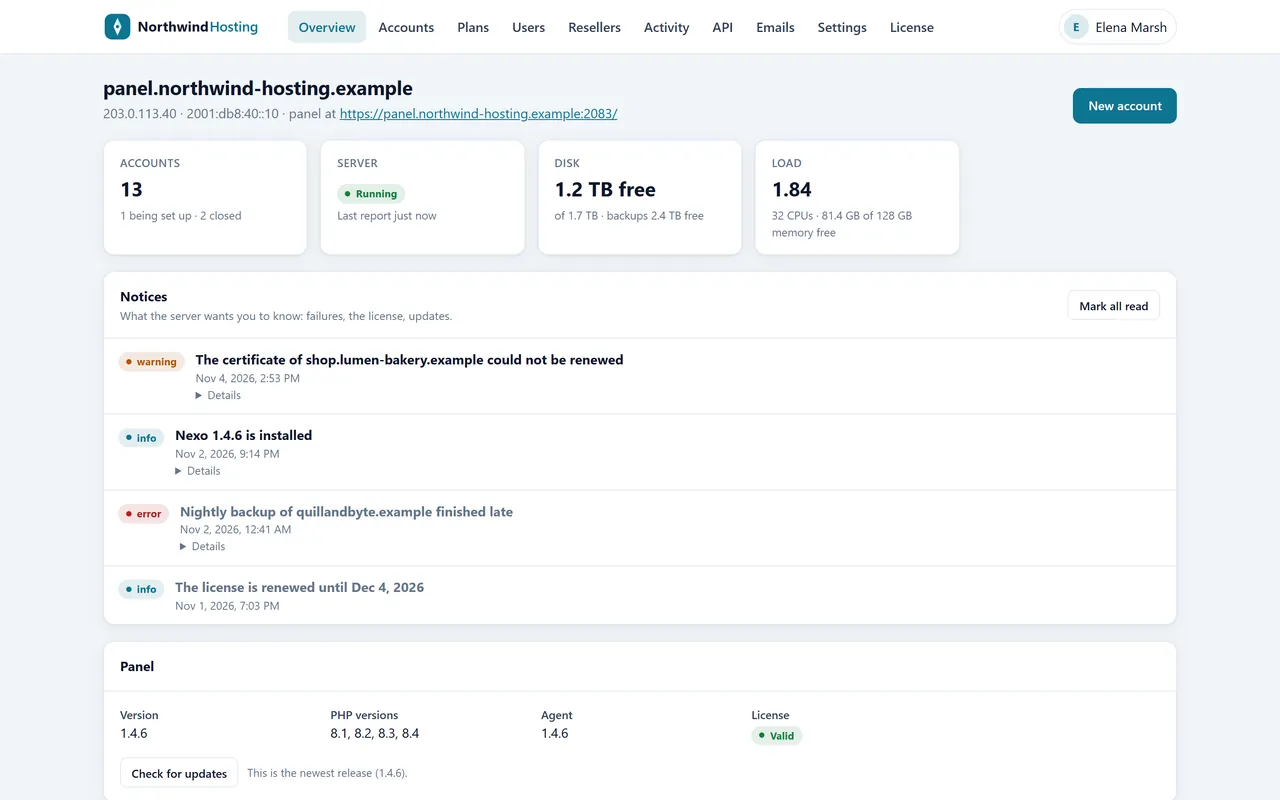
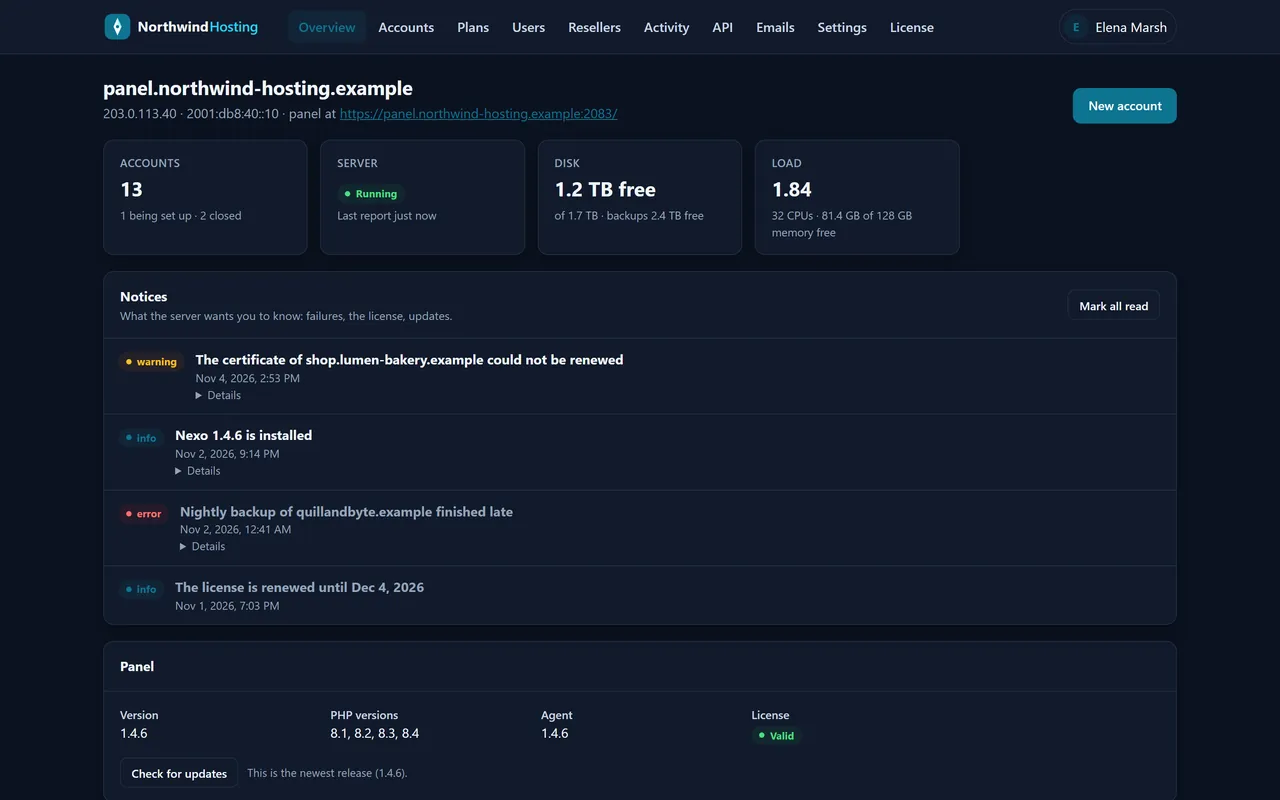
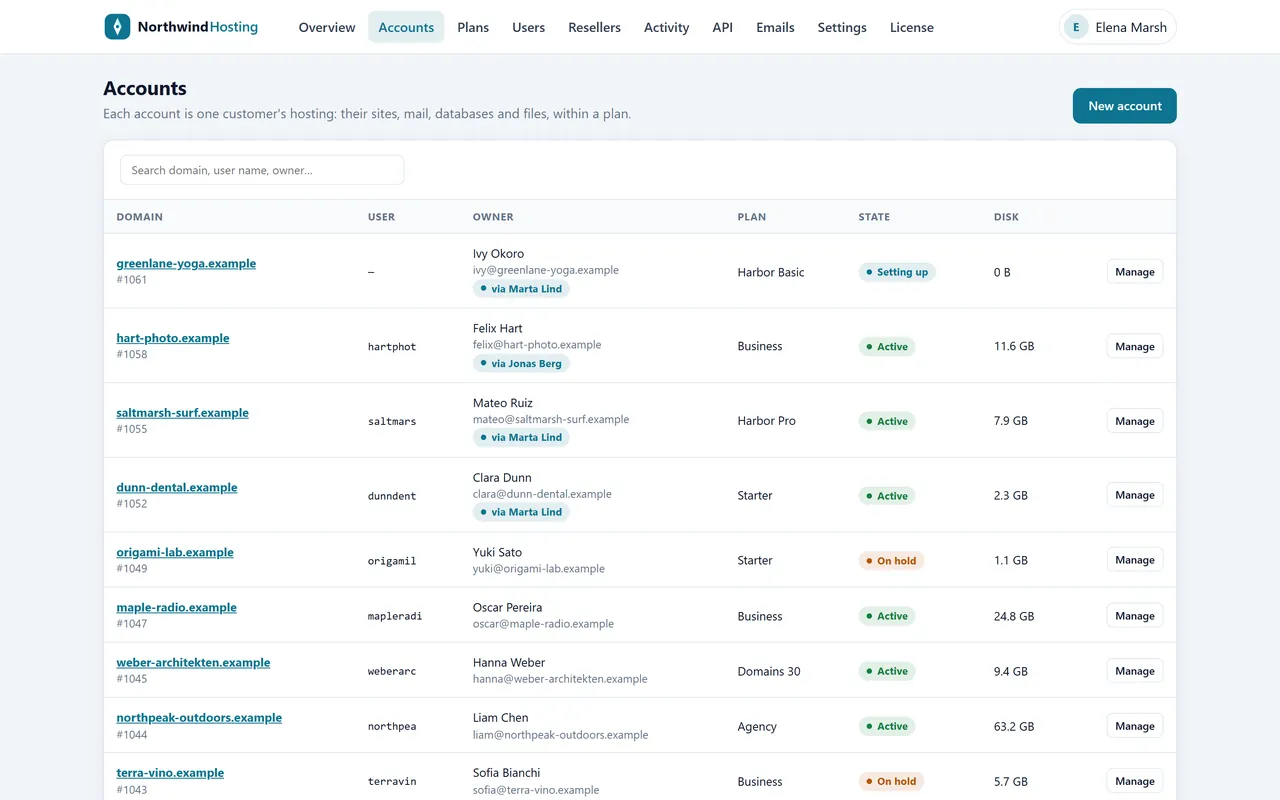
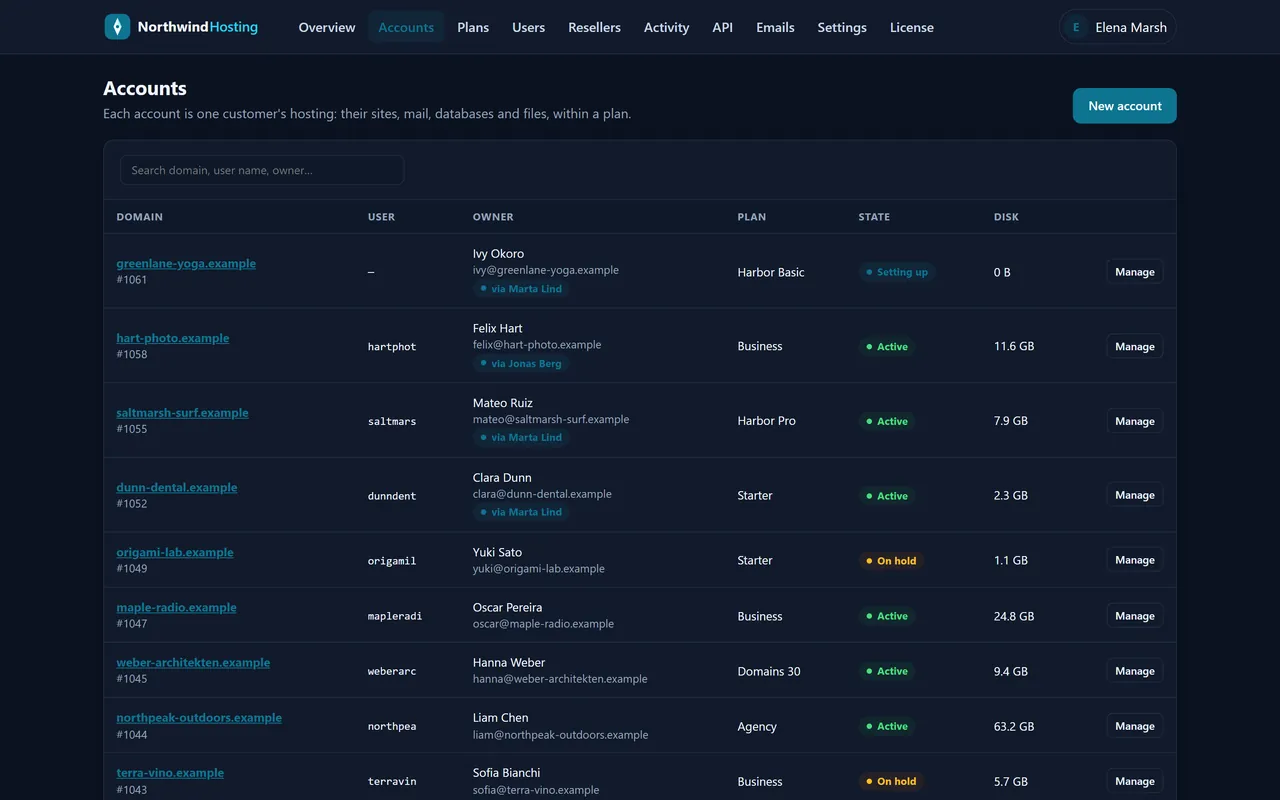
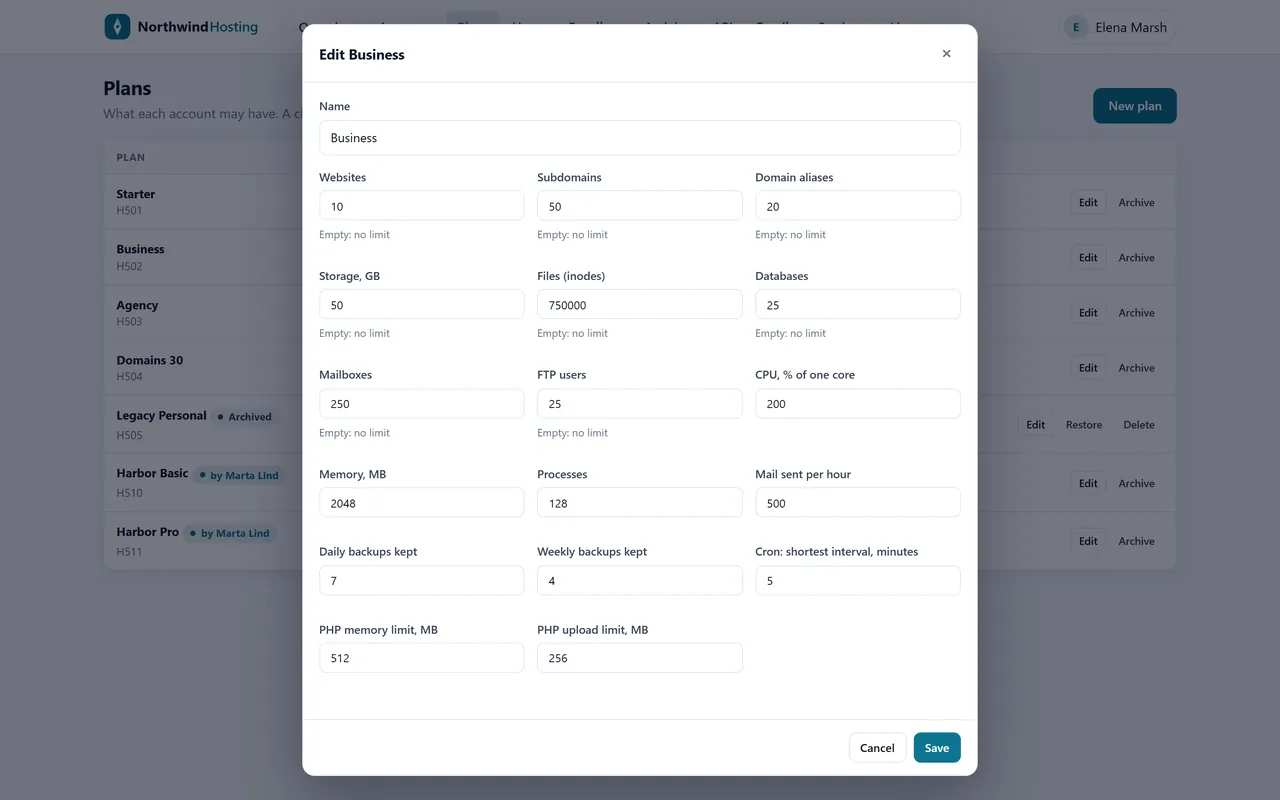
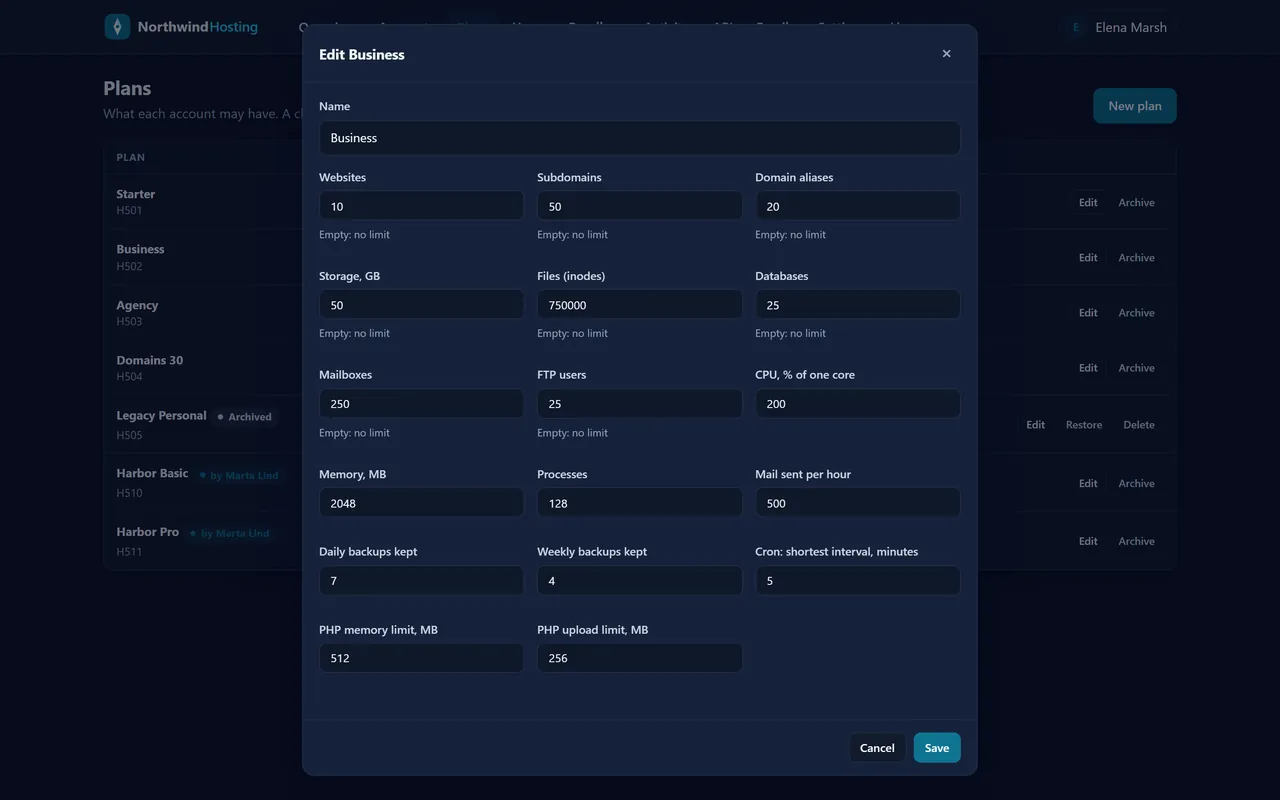
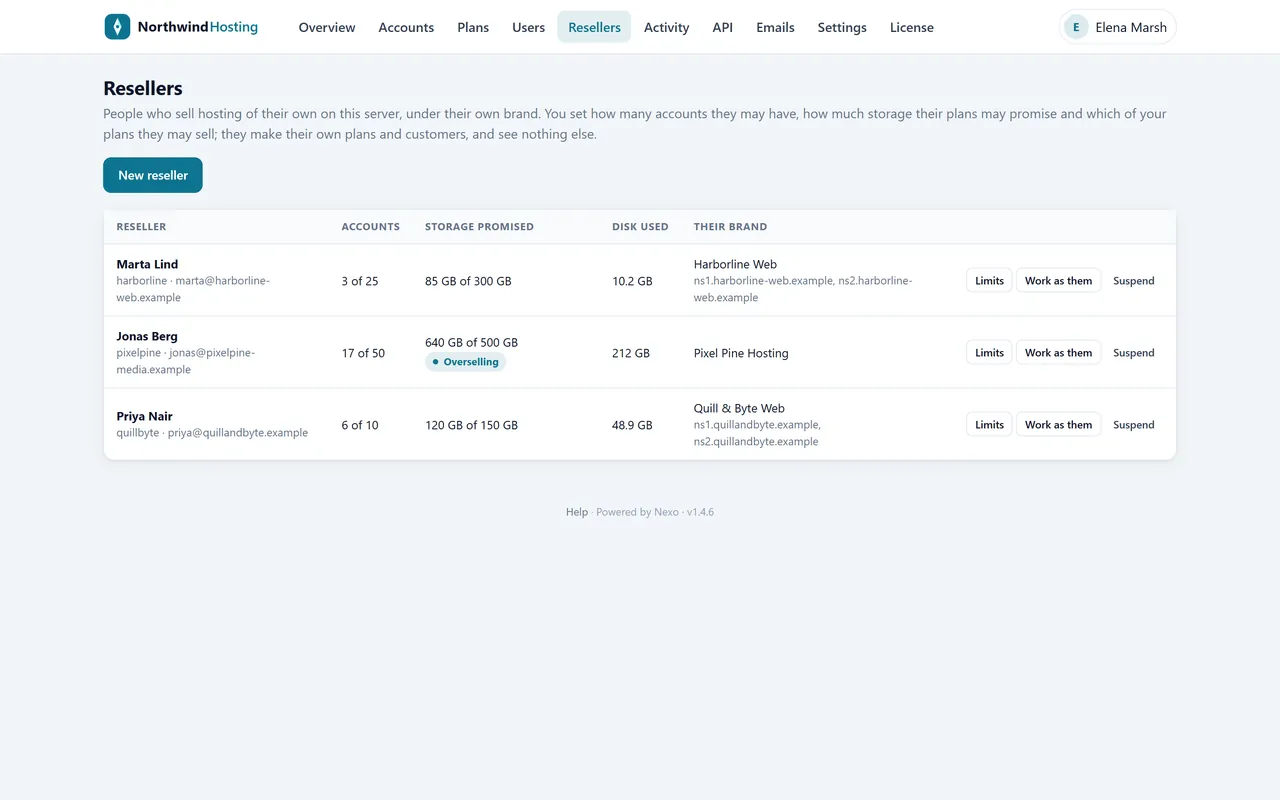
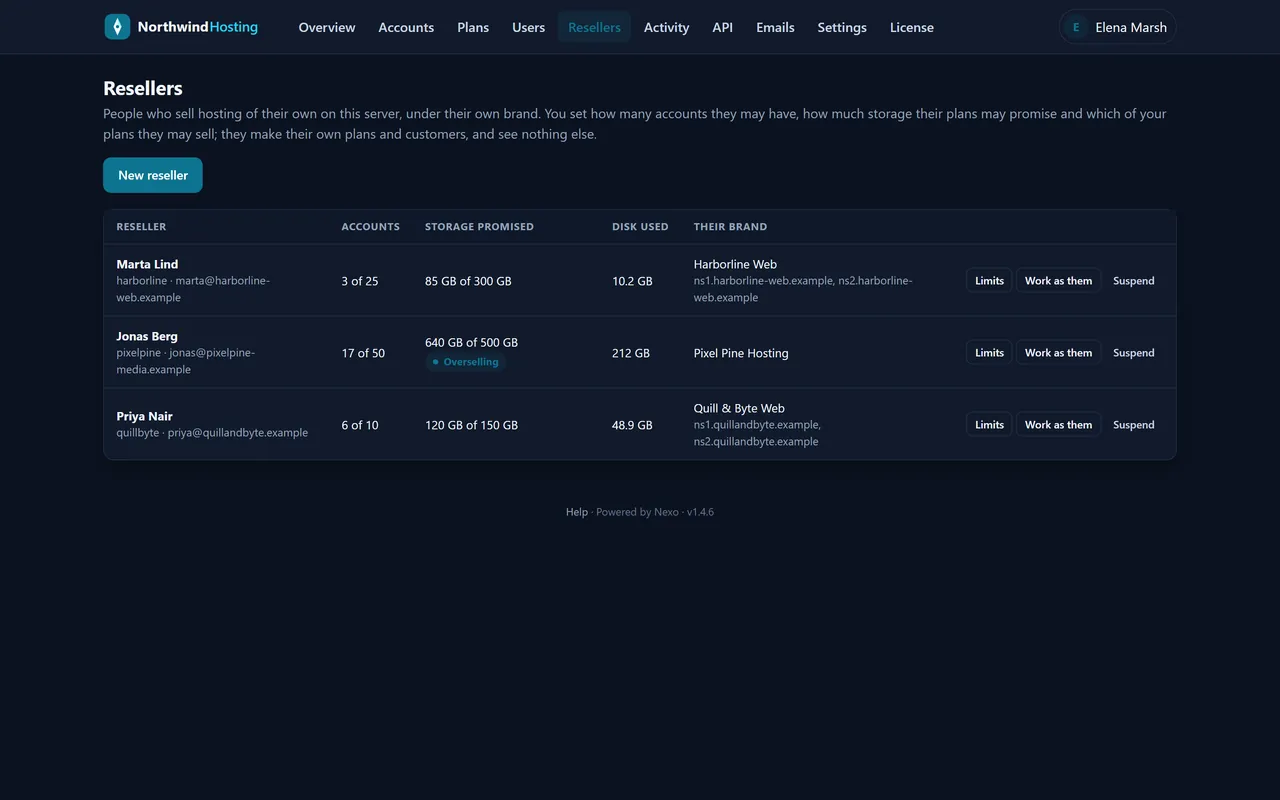
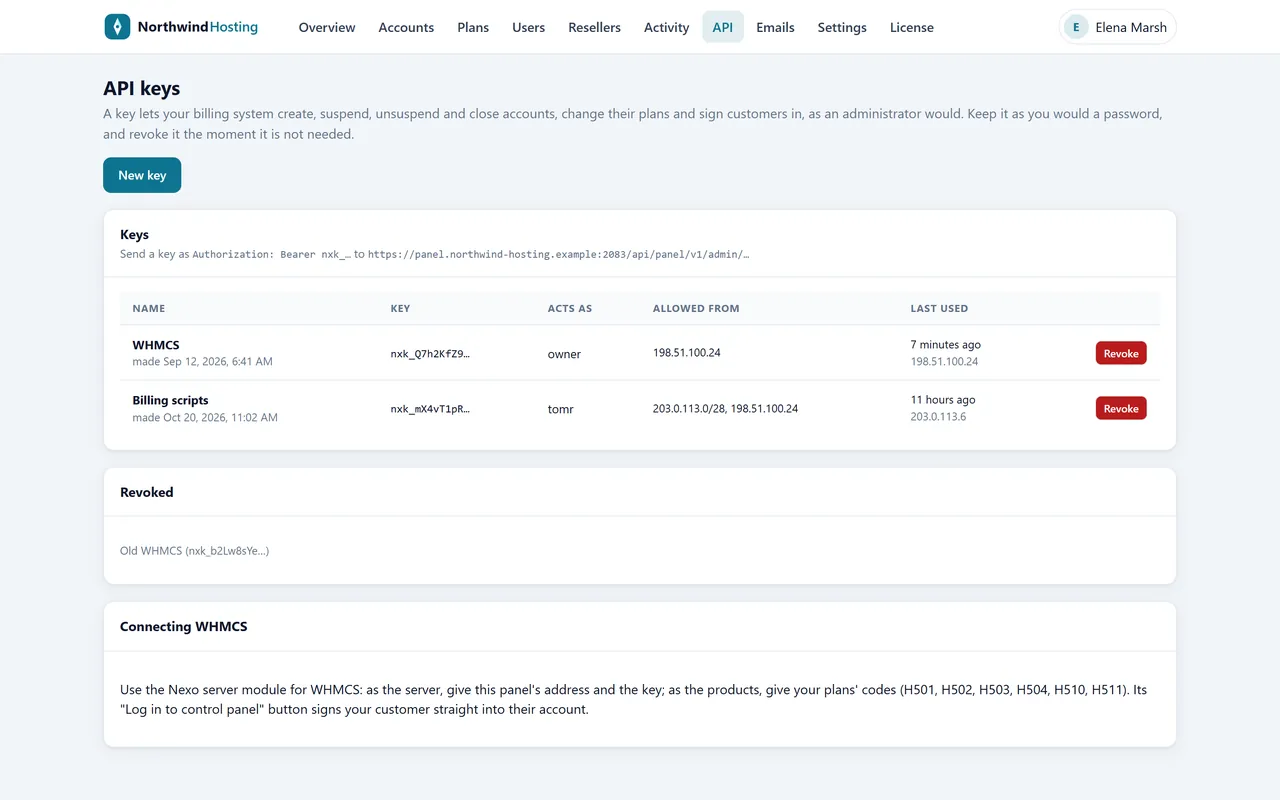
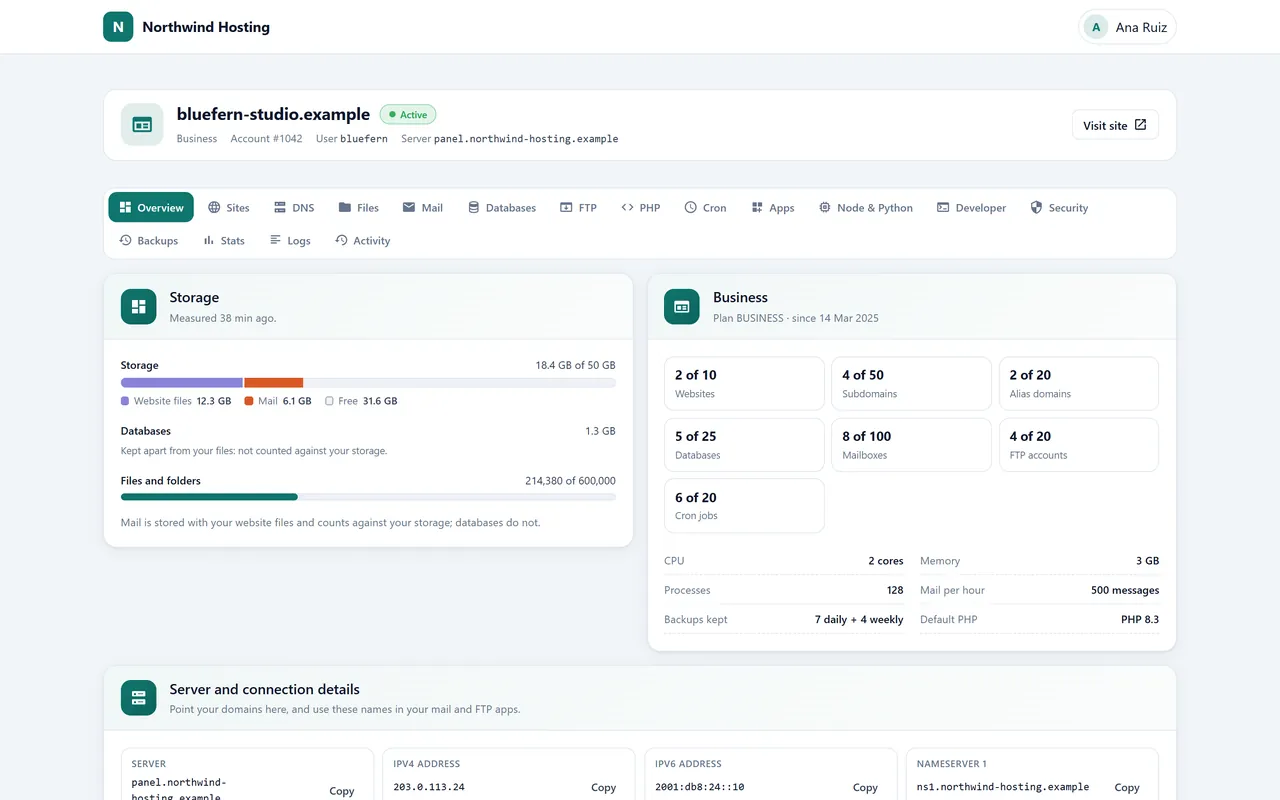
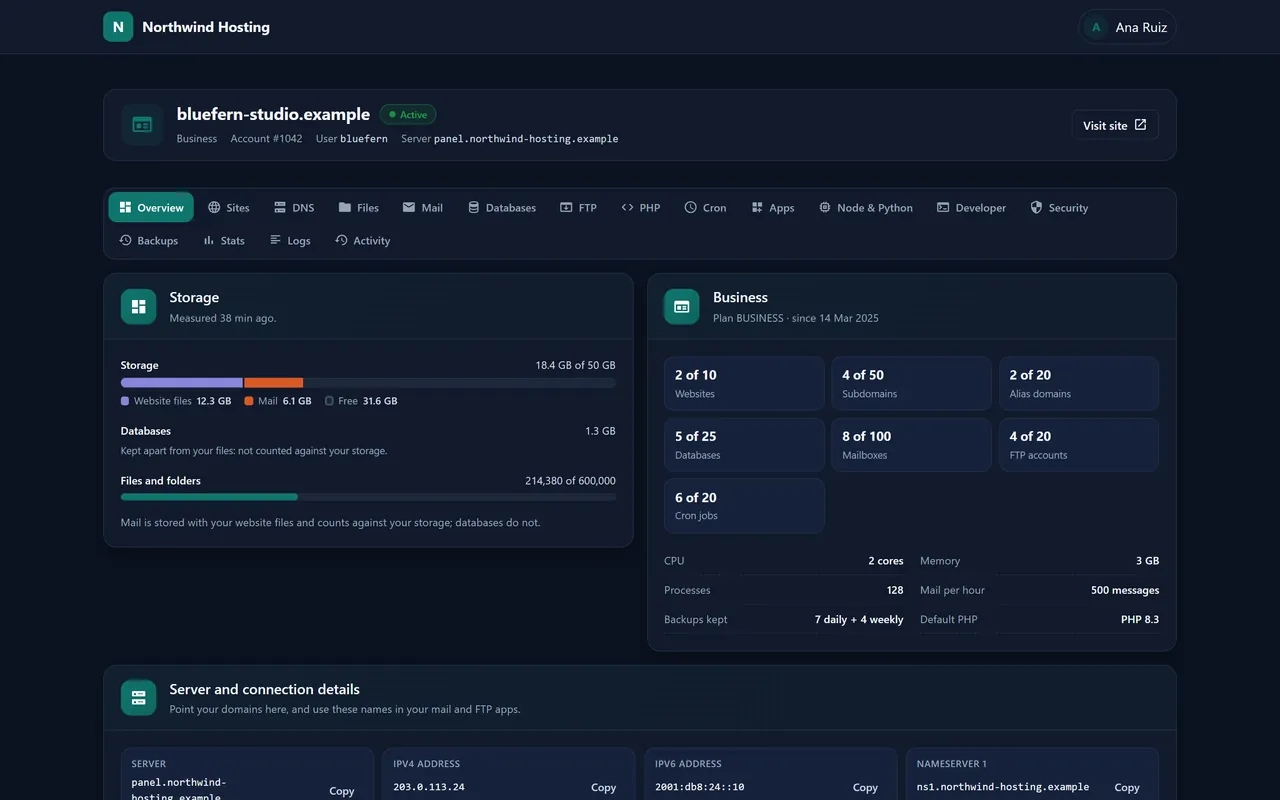
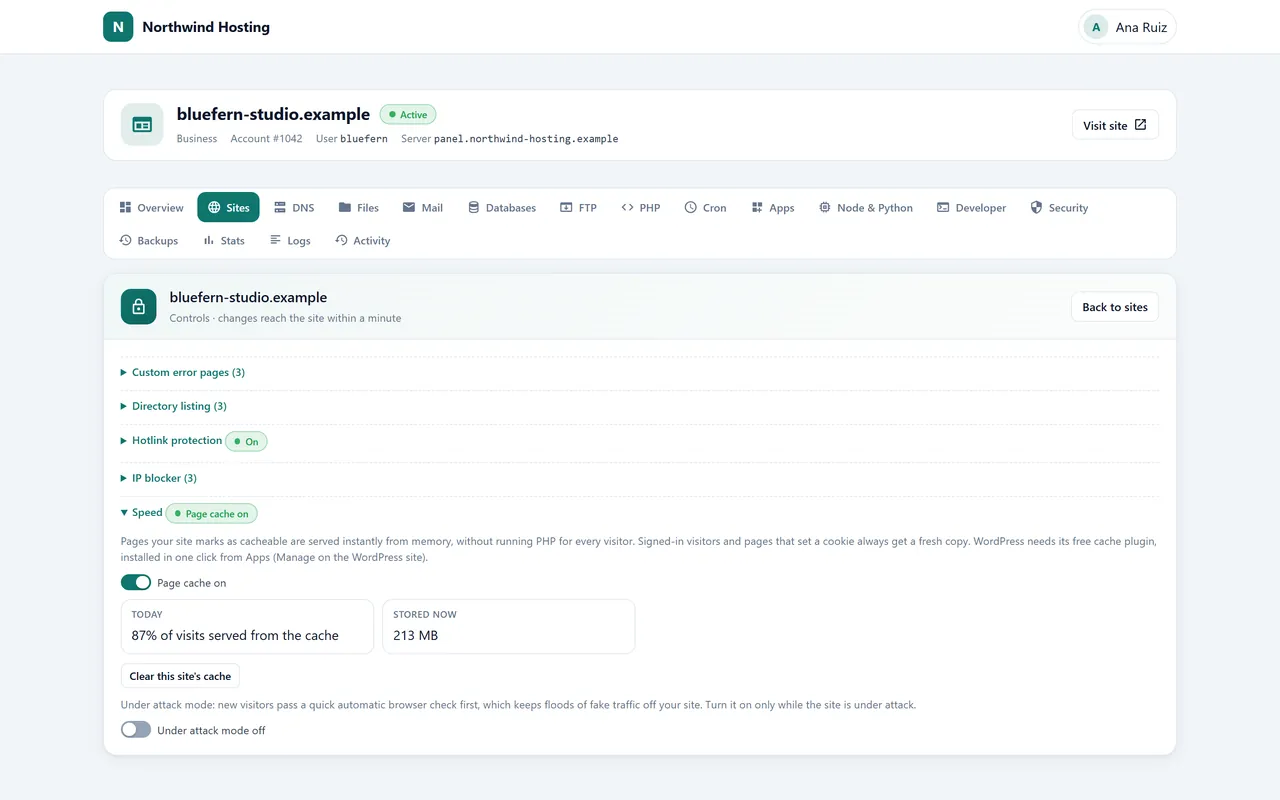
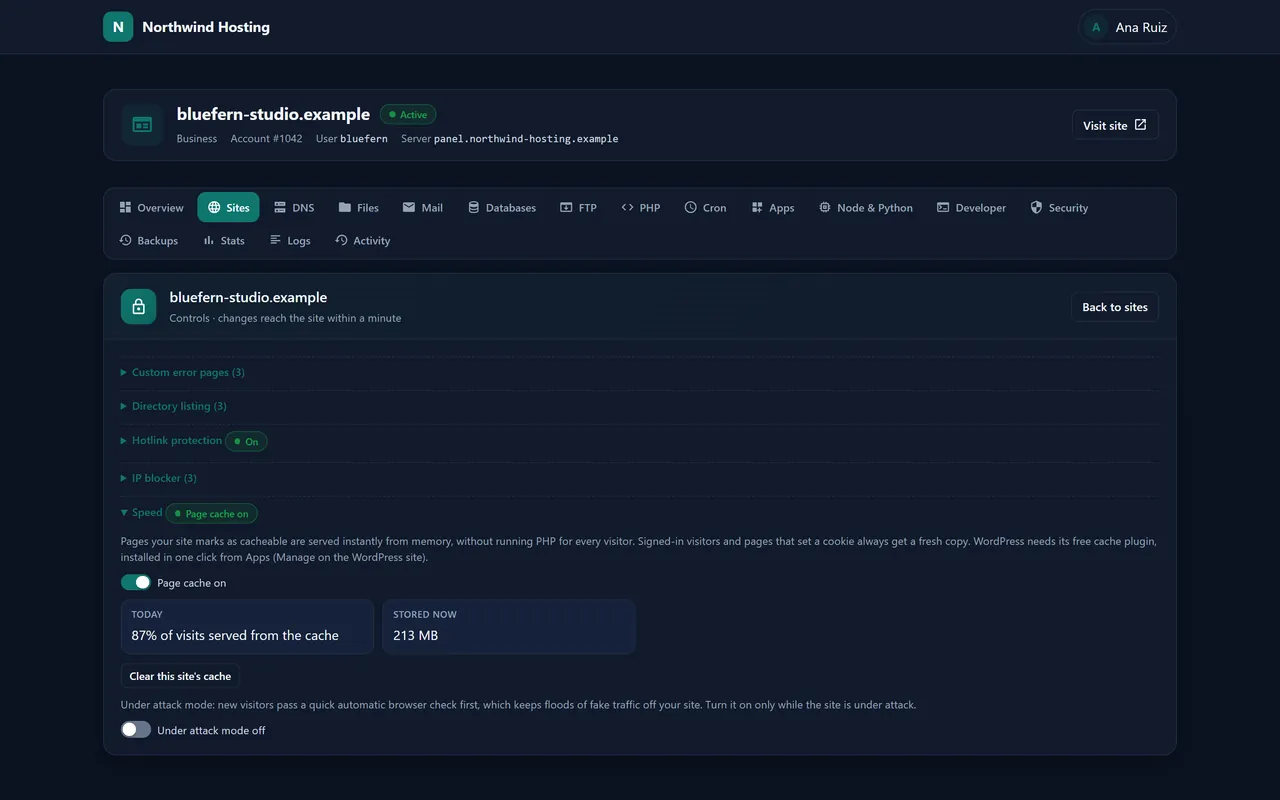
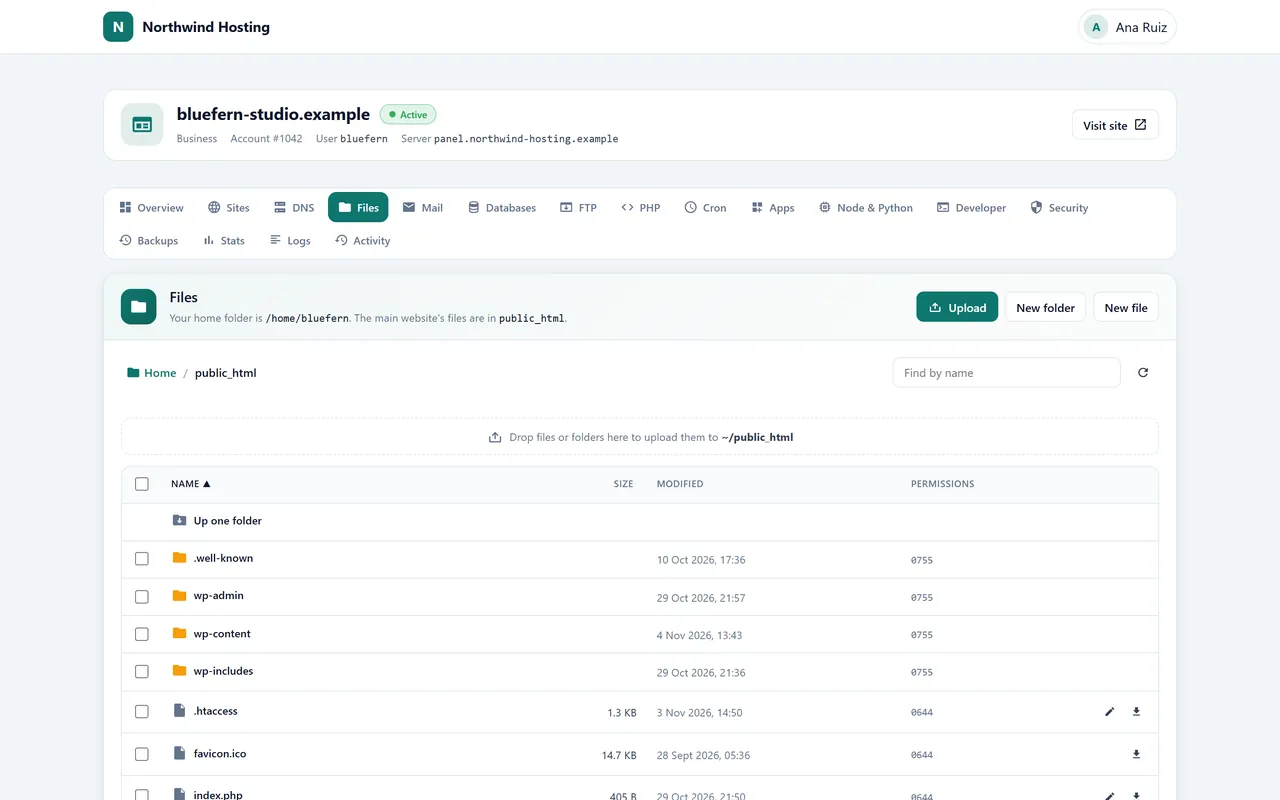
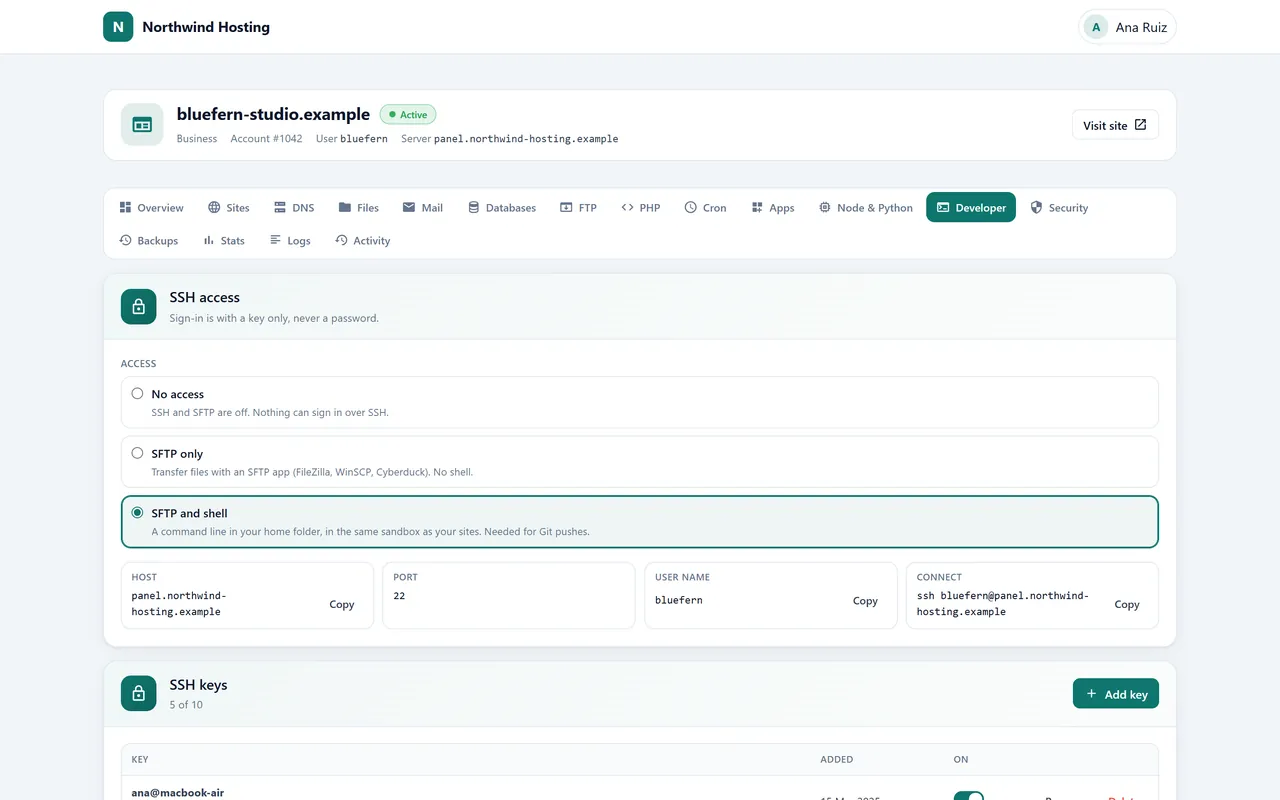
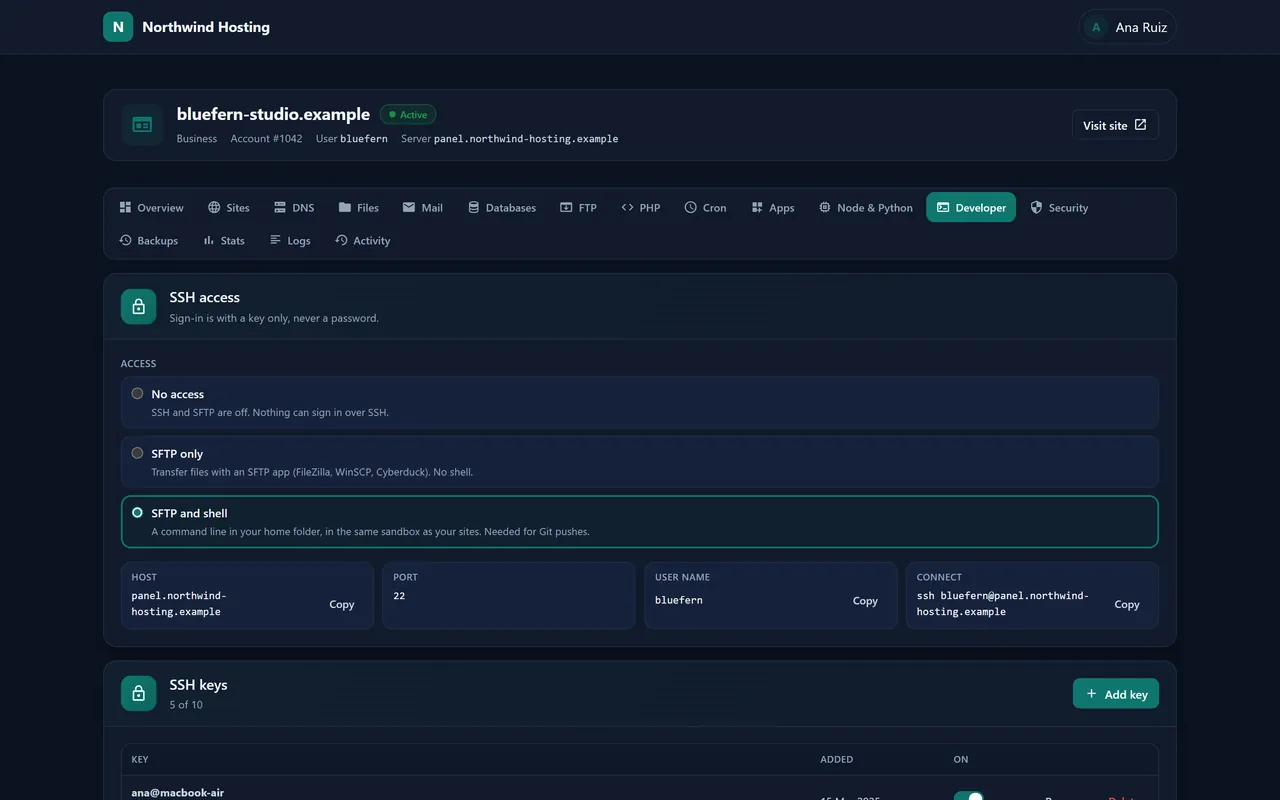
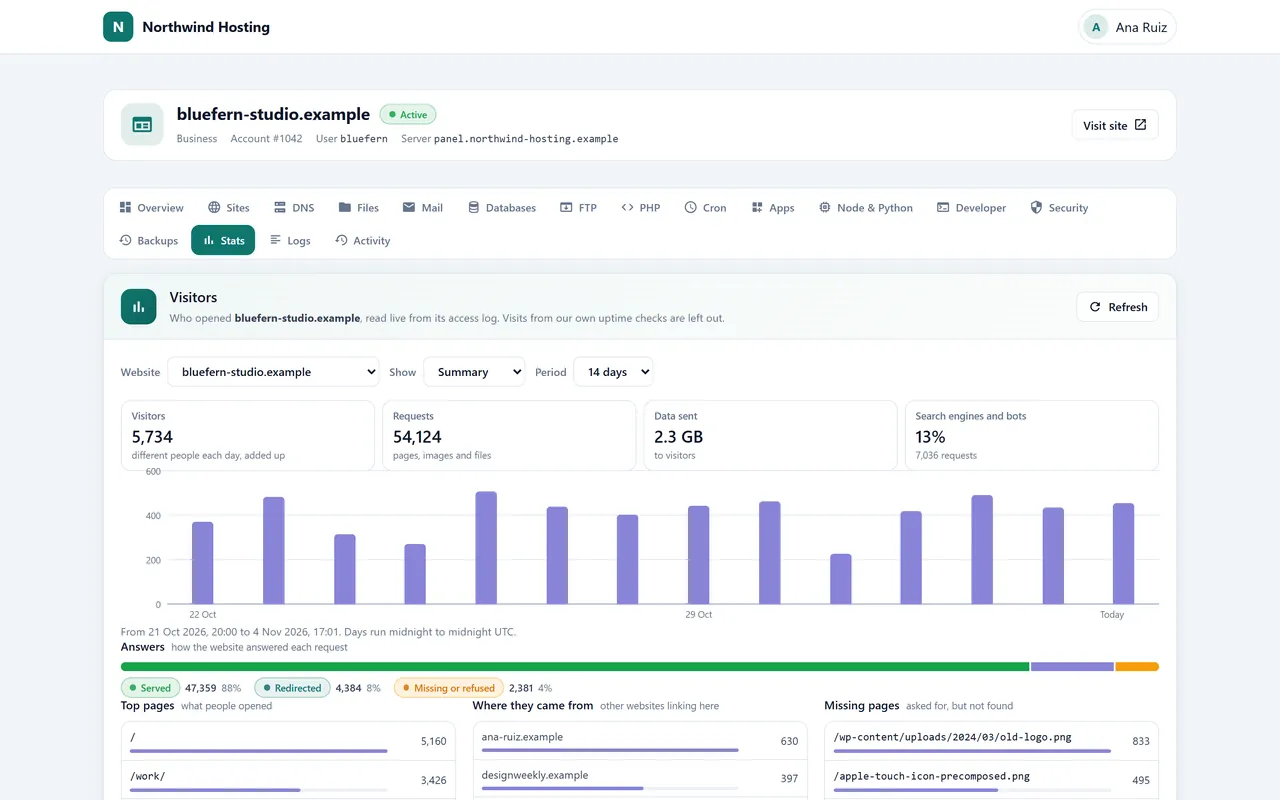
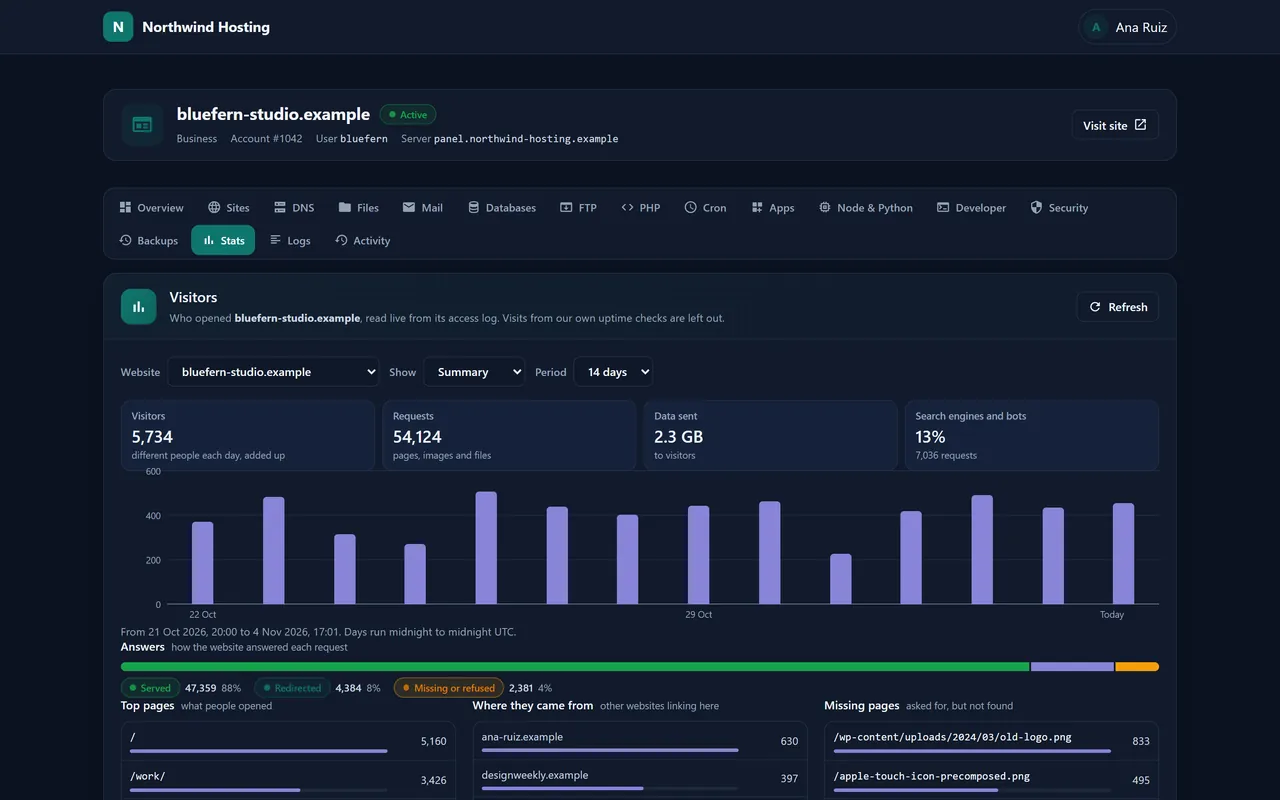
Administration, drawn as its owner sees it: the server’s health, accounts and their states, resellers, plans and the record of every change.

What goes on the machine

One installer, the whole hosting stack, each piece set up to work with the others

Nexo is not a screen bolted onto services you configure yourself. Its installer puts every service a hosting server needs onto a clean Ubuntu machine, writes their configuration for per-account use, and keeps writing it as you add accounts, sites, mailboxes and zones. The owner’s panel answers over TLS on port 2083; the panel’s own services listen on the loopback only.

Order Nexo with a server and there is nothing to run: we install it once the operating system is on, or when a ready server is handed over to you. On a server of your own it is two commands as root. The installer checks the release against our signature before it unpacks a file, leaves SSH and your own firewall rules as they are, and prints the first administrator’s sign-in once.

  1. panel
    Nexoweb app · worker · root agent on the loopback
    :2083 TLS
  2. web
    Apacheevent MPM · HTTP/2 · FastCGI to each account’s PHP-FPM
    :80:443
  3. php
    PHP-FPM8.1 · 8.2 · 8.3 · 8.4, one master per account per version
    unix sockets
  4. sql
    MariaDBphpMyAdmin by one-time sign-on
    127.0.0.1
  5. mail
    Postfix · Dovecot · rspamdSieve · Roundcube webmail · DKIM signing
    :25:465:587:993:995
  6. dns
    PowerDNSauthoritative for every hosted zone
    :53
  7. ftp
    Pure-FTPdTLS required, one chroot per login
    :2130000–30999
  8. guard
    restic · fail2ban · nftablesuser quotas · unattended security updates
    /backup
Isolation

Anatomy of one hosting account

An account on Nexo is not a folder with a password. It is a Unix user with its own home, its own PHP processes and its own share of the machine, built from the plan it sits on and rebuilt whenever that plan changes. A busy or broken site uses up its own allowance and nobody else’s.

Its own PHP
One PHP-FPM master for every PHP version the account’s sites use, running as the account under systemd with ProtectSystem=strict, a private /tmp and no way to gain privileges. open_basedir keeps PHP inside the home, and the socket is readable by Apache and the account alone.
Its own share
A systemd slice holds the account to the CPU, memory and process counts in its plan. Disk space and file counts are user quotas on ext4 or XFS.
Its own view
/proc shows every account its own processes and no one else’s, and an nftables table stops accounts’ processes from reaching the panel, its agent and the other services on the loopback.
Everything else, inside
Cron jobs start in the same sandbox as PHP. FTP logins are locked into a folder of the home and act as the account. Database names carry the account’s prefix, and a database user can only be granted that account’s own databases.
Who signs in

Three kinds of sign-in, one server

You run the server. Below you, resellers can sell hosting of their own; below them, each customer runs their own sites. Every sign-in sees exactly its own part of the tree, and every screen can carry the brand of whoever sells to the person looking at it.

CapabilityServer ownerResellerCustomer
Sees Everything on the server Their own customers, nothing else Their own accounts
Plans Any, with every limit: sites, disk, files, databases, mailboxes, FTP logins, CPU, memory, processes, mail an hour, backups kept, PHP ceilings Their own packages, within the plans you let them sell —
Accounts Create, move to another plan or owner, put on hold, release, close Create, suspend, unsuspend and terminate their customers’ accounts —
Log in as Any customer Their own customers —
Limits Sets each reseller’s: how many accounts, how much disk, which plans Works inside them Their plan’s
Brand The panel’s name, logo, colour, help link and support address Their own, shown to their customers Sees their provider’s
Nameservers The server’s own, ns1 and ns2 under its name unless you set others Private ns1 and ns2 on their own domain —
Sites, mail, databases, DNS, files, backups Through log in as, or restores and new passwords from the account’s page Through log in as Theirs to run, from their own panel
When it goes wrong Suspends a reseller together with every account under them — —
Unattended

The jobs that run while nobody is signed in

A hosting server is mostly routine: certificates to renew, backups to take, updates to install, mail to sign. Nexo does that routine on a schedule of its own and tells you in the Overview’s notices when something fails.

Certificates, per site

Once a site’s name resolves to the server, Let’s Encrypt issues its certificate and renewals follow by themselves. A domain that keeps failing validation is backed off, so it cannot use up the failure allowance for every other site on the box.

tls shop.example.net · issued

Backups, every night

Between 02:00 and 06:00 UTC restic snapshots every account into an encrypted repository on the server, on a disk of its own when the installer is given one. Each plan says how many daily and weekly snapshots are kept. Customers restore a path, a database or a mailbox themselves, take one extra snapshot a day, or download one as a .tar.gz.

restic 5a2f9c1e · 3 databases · 12 mailboxes

Updates, signed

Every release comes with a manifest signed with our Ed25519 key, and the download’s size and SHA-256 must match it before anything is unpacked. The panel updates itself between 03:00 and 05:00 UTC or when you press Install, and keeps the three newest releases on disk as a way back.

release signature ok · switched

A record nobody can edit

Every change to every account is written with who made it and why, in the same database transaction as the change itself. Entries are chained by hash; Verify the record walks the chain and reports whether any entry was altered or removed.

audit verified · chain whole

Support without passwords

Open a customer’s own panel as them to see what they see. The session lasts up to two hours, is marked as yours on the account’s record, and cannot set passwords or start a restore.

session log in as · expires in 2 h

Mail that arrives

rspamd scores incoming mail and DKIM-signs outgoing mail. On zones the server hosts, SPF, DKIM, DMARC and the records mail apps use to configure themselves are written for every domain. Sending is rate-limited per mailbox and per account, at the plan’s hourly figure.

mail dkim=pass · spf=pass · dmarc=pass
The licence

What the licence controls, and what it never touches

A key is issued for one server. Its first activation binds it to that machine’s firmware UUID, so a copy of the install carried to other hardware is refused, while a reinstall of the same machine keeps it. To move Nexo to another server, ask us to release the key.

What pauses is changing things: no new accounts, no edits, no file manager, until a valid licence is back. The licence page stays open so a key can be entered or renewed.

What never pauses is serving. A lapsed licence does not stop a website, a mailbox or a database, and it never takes a customer’s site down.

Price and machines

One line on the invoice, whatever the server carries

Nexo is its own line beside the server, never folded into it, and its price does not move with the number of accounts, resellers or sites. Each figure below comes from the catalogue the checkout bills from.

Nexo, per server, per month$45 in New York, San Francisco and Miami
€45 in Bucharest and Amsterdam
SetupNone
Hosting accountsAs many as the server holds: the licence counts none
On a 3, 6 or 12-month term$45 × the months. Software takes no term discount; the server’s own lines do
On a server that is not ours$45 a month, in US dollars: a licence on its own
Listed in the configurator asNexo Hosting Panel (Ubuntu 24.04+), under Software

Pick the machine

Every x86 machine we sell with Nexo on Ubuntu 24.04 or 26.04, cheapest complete build first. Each price is that build, read together with its specification from one catalogue record; the link opens the configurator with Ubuntu and Nexo already chosen, where memory, drives and the city can still change.

Show
Monthly, before tax. US cities bill in dollars, EU cities in euros, with the same figures.
Machine, and the build the price is forCitiesServer, fromWith NexoOrder
AMD Opteron X2150AMD Opteron X2150 APU, 4 cores 1.1GHz · 8 GB DDR3 · 1 × SATA-SSD 32 GB · 500 MbpsNew York, Bucharest$5 or €5$50 or €50Configure
Intel Atom C2730Intel Atom C2730 Octa Core 1.70 GHz · 16 GB DDR3 · 1 × SATA-SSD 64 GB · 500 MbpsNew York$21.68$66.68Configure
Intel Atom C2750Intel Atom C2750 Processor, 8 core 2.4 GHz · 16 GB DDR3 · 1 × SATA 500 GB · 500 MbpsNew York, Bucharest$34.40 or €34.40$79.40 or €79.40Configure
Intel Xeon E3-1284L v4Intel Xeon E3-1284L v4 Quad Core 2.90 GHz · 16 GB DDR3 · 1 × SATA-SSD 240 GB · 500 MbpsNew York, Bucharest, Amsterdam, San Francisco$46.18 or €46.18$91.18 or €91.18Configure
AMD Opteron 6300AMD Opteron 6366 HE Hexadeca Core 1.80 GHz · 16 GB DDR3 · 1 × SATA 500 GB · 500 MbpsNew York, Bucharest, Miami$51.86 or €51.86$96.86 or €96.86Configure
Intel Xeon E3-1284L v3Intel Xeon E3-1284L v3 Quad Core 1.80 GHz · 16 GB DDR3 · 1 × SATA-SSD 240 GB · 500 MbpsNew York, Bucharest$52.18 or €52.18$97.18 or €97.18Configure
Intel Xeon E3-1585L v5Intel Xeon E3-1585L v5 Quad Core 3.00 Ghz · 32 GB DDR4 · 1 × NVMe-SSD 240 GB · 1 GbpsNew York, Bucharest, San Francisco, Amsterdam, Miami$62.58 or €62.58$107.58 or €107.58Configure
Intel Xeon D-1500Intel Xeon D-1548 Octa Core 2.00 GHz · 32 GB DDR4 · 1 × NVMe-SSD 240 GB · 1 GbpsNew York, Miami, Bucharest, Amsterdam, San Francisco$62.58 or €62.58$107.58 or €107.58Configure
Intel Xeon E5-2600 v1/v2Intel Xeon E5-2630L Hex Core 2.00 GHz · 32 GB DDR3 · 2 × SATA 500 GB (RAID 1) · 500 MbpsNew York, Bucharest, Miami$70.93 or €70.93$115.93 or €115.93Configure
Intel Xeon E5-2600 v3/v4Intel Xeon E5-2620 v4 Octo Core 2.10 GHz · 32 GB DDR4 · 2 × SATA 500 GB (RAID 1) · 1 GbpsNew York, Bucharest, San Francisco, Miami, Amsterdam$73.47 or €73.47$118.47 or €118.47Configure
Intel Xeon Silver / GoldIntel Xeon Silver 4110 8 Core 2.10 GHz · 16 GB DDR4 · 2 × SATA-SSD 240 GB (RAID 1) · 1 GbpsNew York, Bucharest, San Francisco, Miami, Amsterdam$83.67 or €83.67$128.67 or €128.67Configure
Intel Xeon E-2286MIntel Xeon E-2286M 8 CORE 2.40 GHz · 32 GB DDR4 · 1 × NVMe-SSD 240 GB · 1 GbpsBucharest€105.99€150.99Configure
Intel Xeon E5-4600 v1/v24 × Intel Xeon E5-4650L Octo Core 2.60 GHz · 64 GB DDR3 · 2 × SATA 500 GB (RAID 1) · 500 MbpsNew York, Bucharest, Miami$109.69 or €109.69$154.69 or €154.69Configure
Intel Xeon E5-4600 v3/v44 × Intel Xeon E5-4650 v3 12 Core 2.10 GHz · 128 GB DDR4 · 2 × SATA 500 GB (RAID 1) · 1 GbpsNew York, Bucharest, Miami, San Francisco, Amsterdam$186.37 or €186.37$231.37 or €231.37Configure
AMD EPYCAMD EPYC 7413 24 CORE 2.65 GHz 128MB L3 CACHE · 32 GB DDR4 · 1 × SATA-SSD 240 GB · 1 GbpsNew York, Bucharest$217.59 or €217.59$262.59 or €262.59Configure
Intel Xeon Gold4 × Intel Xeon Gold 6130 16 Core 2.10 GHz · 128 GB DDR4 · 2 × SATA 500 GB (RAID 1) · 1 GbpsNew York, Bucharest, San Francisco$409.38 or €409.38$454.38 or €454.38Configure
Before you install

Questions administrators ask first

What does the installer need from the server?

Ubuntu 24.04 or 26.04, root, a public IPv4 address and /home on ext4 or XFS; on XFS it must already be mounted with user quotas, on ext4 the installer turns them on. It stops before changing anything if cPanel, Plesk, DirectAdmin, CyberPanel, HestiaCP or VestaCP is installed, or if Apache is already serving sites, because it takes over the web, mail and DNS services.

Can it go on before the server has a host name?

Yes. It installs on the server’s IPv4 address with a self-signed certificate. Give the server its name later under Administration, Settings: the panel, webmail, mail and FTP move to that name, with a Let’s Encrypt certificate as soon as the name resolves to the machine.

Which PHP versions can a site run?

PHP 8.1, 8.2, 8.3 and 8.4, chosen site by site, with 8.3 as the default. The memory limit and the upload and post sizes (up to the plan’s ceilings), execution and input times, input variables, the time zone and error display are set per account, and a site’s own .user.ini still works.

What happens to hosted sites if the licence lapses?

They keep serving. Websites, mail and databases stay up, and nightly backups and certificate renewals carry on; only changes through the panel pause until the licence is valid again. A renewal that fails first leaves the current licence running out, then 14 days of grace with a notice to you.

Where do the backups live?

In an encrypted restic repository on the server itself, under /backup, which the installer can put on a disk of its own. That undoes a deleted file, a dropped table or a bad update; it is not a copy off the machine, so keep one elsewhere if the server itself is what you need to survive.

Does a 12-month term make Nexo cheaper?

No. Software on our servers is billed at its monthly price times the months on every cycle; a longer term discounts the server’s own lines, not Nexo.

Does Nexo invoice my customers?

No. Nexo runs the hosting, not the billing: it creates, limits, suspends and closes accounts when you or your resellers say so, and invoicing stays with whatever system you already use.

I followed “Powered by Nexo” from my host’s panel. Who do I ask for help?

Your hosting company: it runs the server your account lives on and handles your billing and support. Its help link or address sits beside that line at the foot of every page of your panel.